Installation
Setup is a two part process in Commerce7 and WordPress. After purchasing a plugin license, Vin will enable you to install the app in Commerce7 and follow up with information about installation.
The app must be installed under ‘Apps & Extensions’ in the Commerce7 admin panel, in order to allow access to the APIs.
Once the Commerce7 app and WordPress plugin are installed, you will be able to manage the plugin settings under Commerce7 > SEO in the WordPress main menu.
Vin is available for setup on an hourly basis. Alternately, the following instructions provide direction for setting up the plugin and managing the settings for your desired output.
Setup
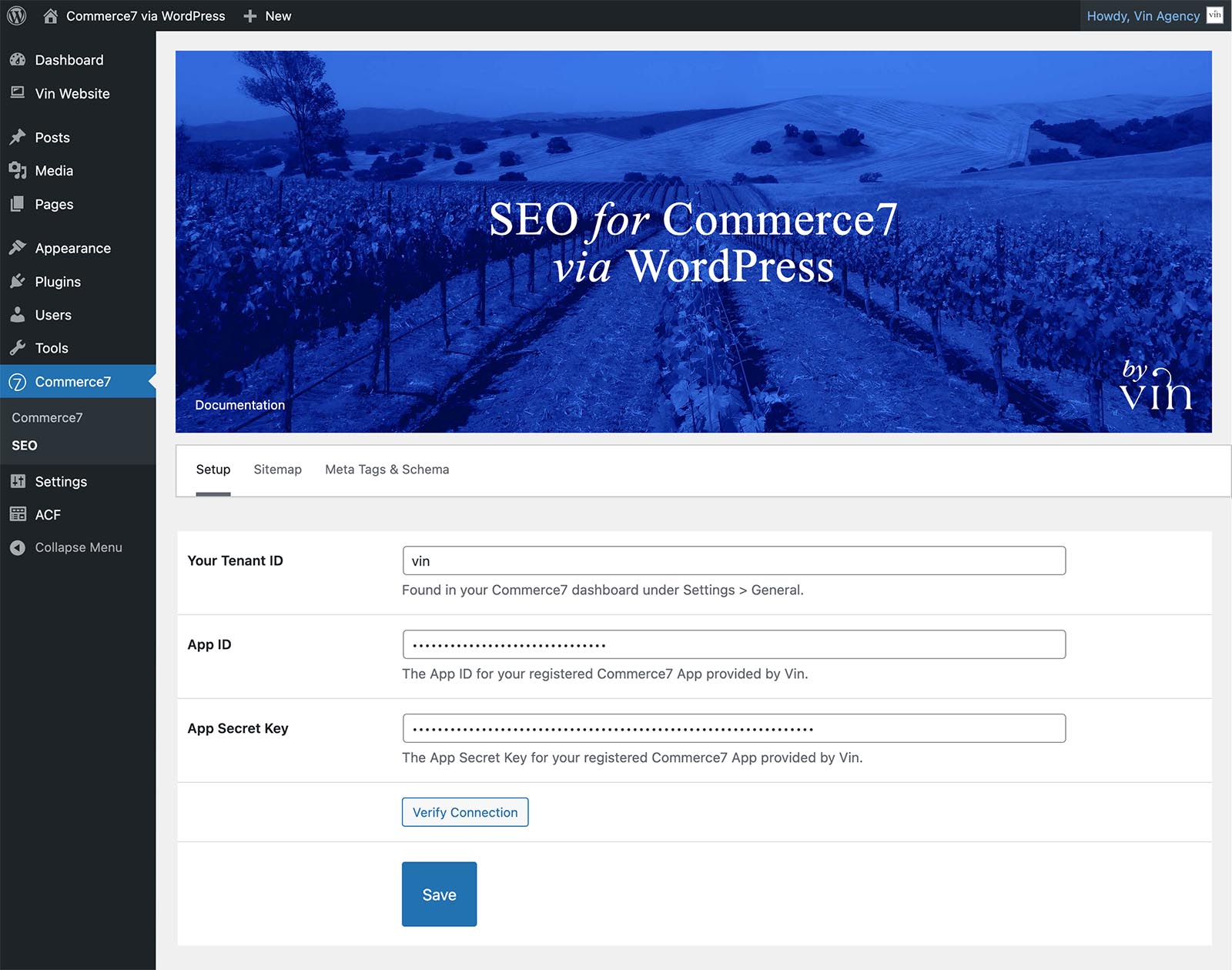
Your Tenant Id
Enter your Tenant Id. Found in your Commerce7 dashboard under Settings > General.
App ID
Enter the App ID for the Commerce7 app provided by Vin upon purchase.
App Secret Key
Enter the App Secret Key for the Commerce7 app provided by Vin upon purchase.